Why a walking pad can bother a knee that tolerates outdoor walks
A walking pad changes more than the surface under your feet. Your hands may stay near a keyboard, your eyes remain on a screen, and the belt keeps moving while your attention is on a meeting. That combination can make a comfortable outdoor pace feel awkward at a desk. It also makes time disappear. A few long calls can add far more walking than your usual day without feeling like a formal workout.
The first question is therefore not whether walking pads are inherently bad for knees. It is what changed: total walking time, the way you step, the position of the desk, or the condition of the machine. A compact walking pad or mini treadmill may suit one person and constrain another. Its portability does not establish that its belt dimensions, speed range, or controls fit your body and workspace.
Research on treadmill desks mainly examines activity, sitting time, and work outcomes. A one-year prospective study found increased activity among users, while a later randomized active-workstation study found mixed changes over time. Neither establishes a knee-safe number of hours for everyone. Treat a workday walking target as an experiment in tolerance, not as a medically validated prescription.
First separate pain from an equipment problem
If the belt slips, surges, rubs to one side, or stops unpredictably, stop using the pad and follow the manufacturer's service instructions. Do not correct a moving belt with your feet, compensate by walking on one edge, or keep testing a machine that makes you stumble. An unfamiliar noise is a maintenance question before it becomes a posture question.
Check the approved floor surface, clearance around the unit, power connection, weight limit, and operating instructions for your exact model. A decorative rug or improvised platform is not automatically an appropriate base. Remote controls, safety keys, automatic speed modes, and continuous-use limits differ. Keep the stop control accessible without twisting or reaching, and keep children, pets, and loose cables away from the belt.
When the machine behaves normally but the knee hurts, look at the symptom timeline. Pain that starts after sustained walking suggests a different comparison from pain on the very first step. New swelling, a recent fall, locking, or giving way should not be treated as evidence that you merely need a different desk height.
Set desk height while you are on the pad
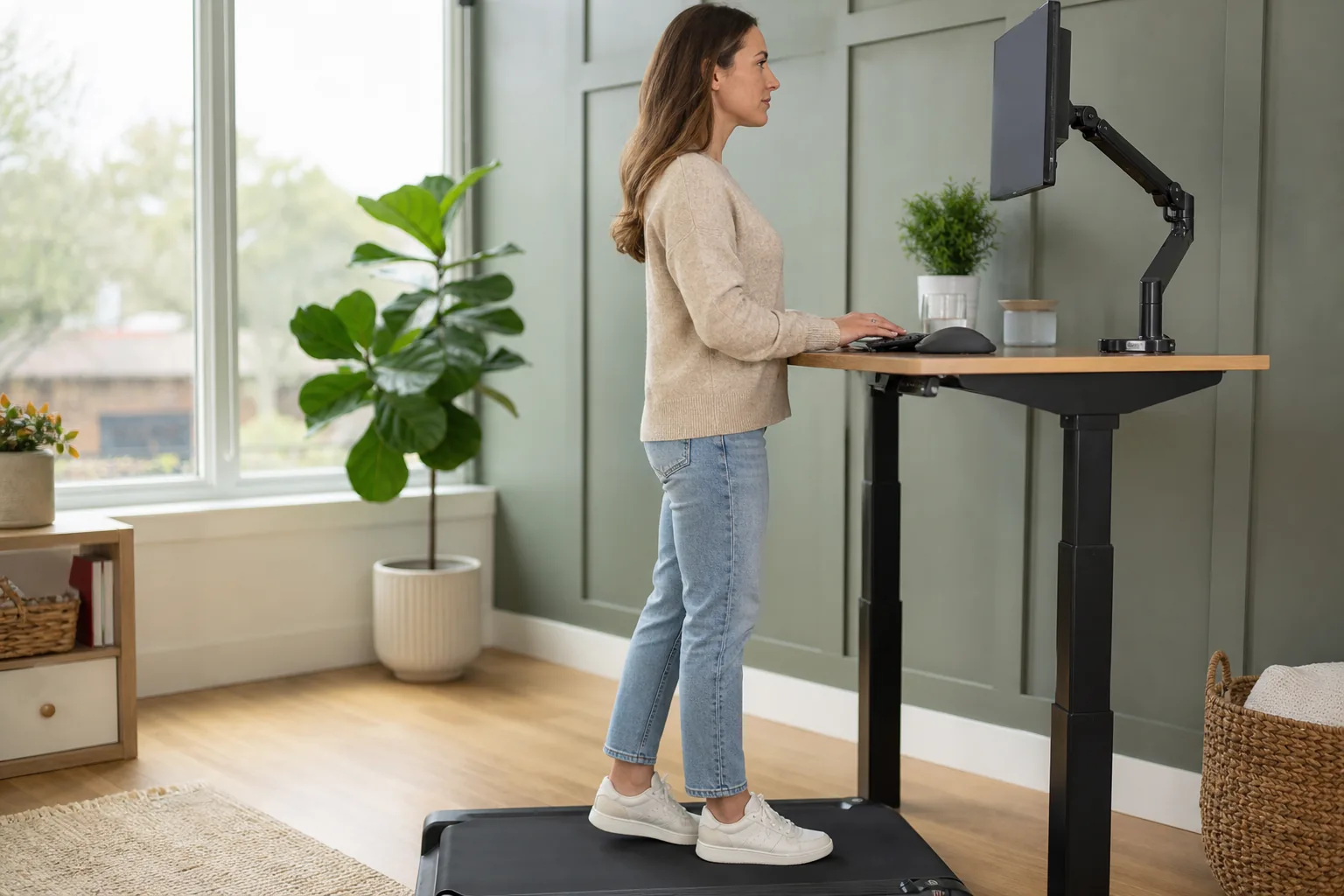
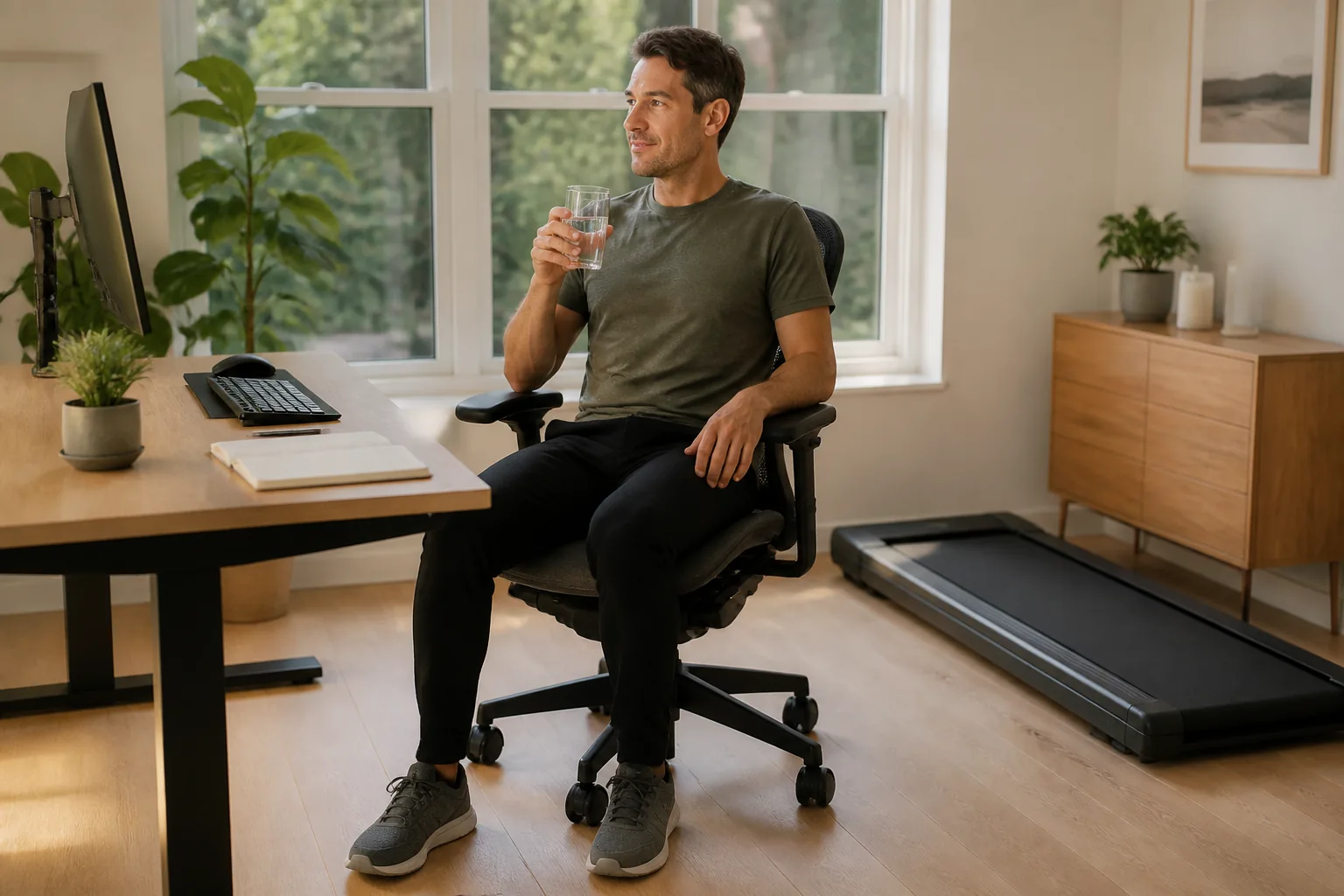
A desk that felt right while standing on the floor may be too low after the walking pad raises your feet. Set up with the machine stopped, wearing the shoes you actually use. Bring the keyboard near elbow level with your shoulders relaxed and your elbows near your sides. This is an ergonomic starting point from OSHA's workstation guidance, not a guarantee that it will resolve knee pain.
A low keyboard can invite a sustained forward lean; a high keyboard can make you shrug or brace your arms. If your upper body is fixed in an uncomfortable position, your legs may adapt to keep you close enough to type. The practical check is simple: can you reach the keys without hanging on the desk or moving your whole body toward it?
Raise the screen independently when necessary. A laptop alone often forces a compromise between screen height and hand position, so an external keyboard and mouse may help create separate adjustments. Keep the frequently used screen in front of you. A second screen to the side is less suitable for long periods of walking if it makes you rotate repeatedly.
| Check | What to notice | Useful adjustment |
|---|---|---|
| Keyboard reach | You lean forward or hold the desk while stepping | Bring the input devices closer and reassess desk height |
| Screen position | You look down or turn sideways for most of the task | Raise or center the main screen independently |
| Belt clearance | Feet repeatedly approach the edges or front cover | Reposition safely or use a better-fitting setup |
| Task difficulty | Stride changes during detailed typing or mouse work | Stop the belt for the demanding task |
Do not aim for a rigid photographic pose all afternoon. Workstation guidance supports changing position, and the point of an adjustable desk is to make different positions available. If comfortable keyboard placement and comfortable walking cannot coexist in your space, separate those tasks. Walking without typing is still a useful option.
Choose a pace that allows your own stride
There is no single knee-friendly walking-pad speed. The useful speed is one at which you can stay centered, place your feet naturally, and stop safely. Begin slowly enough to learn the controls, then assess whether the pace feels smooth. Very slow walking can also feel artificial; simply choosing the smallest number on the display is not a complete solution.
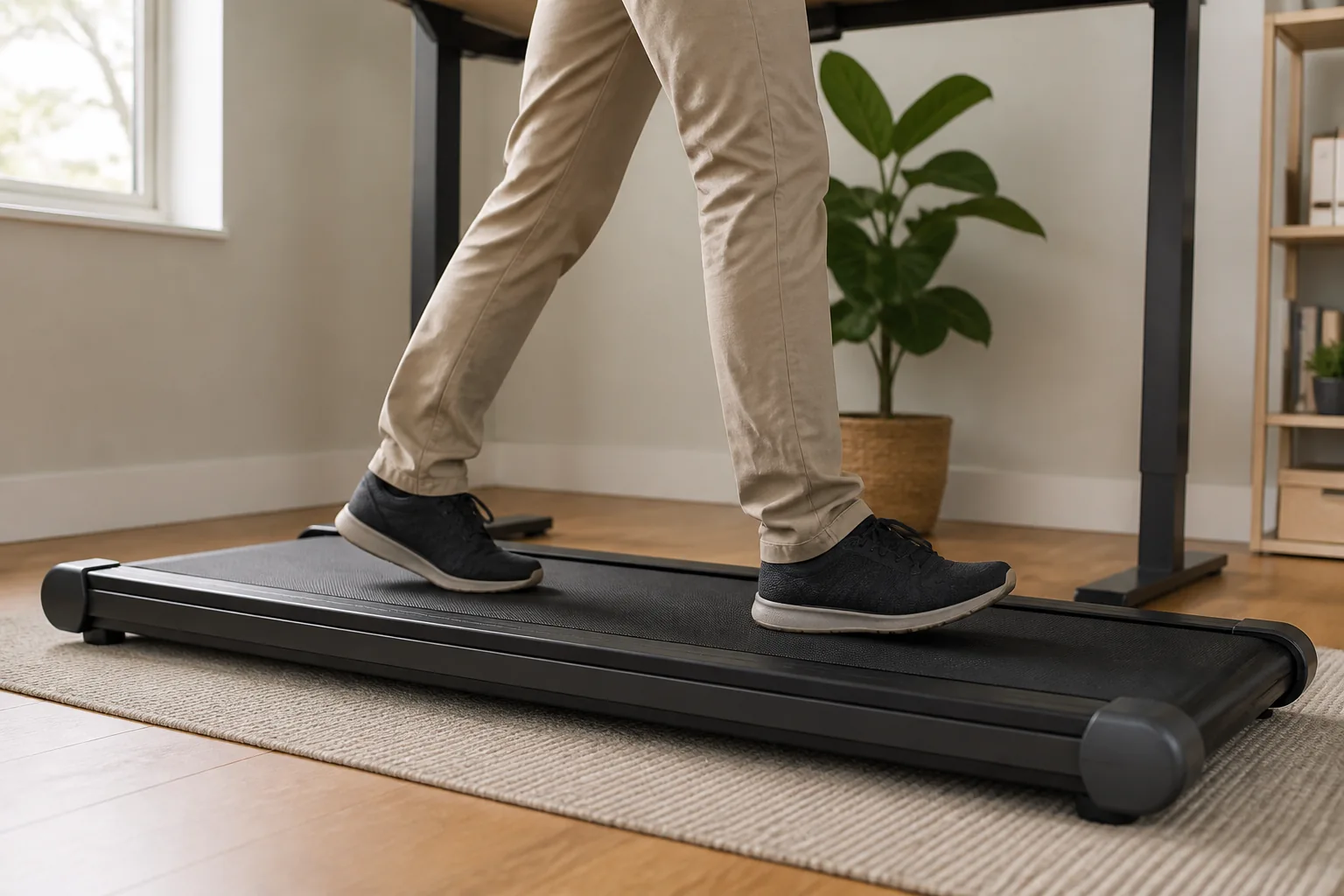
Watch for reaching a foot far ahead to keep up, repeatedly clipping the front cover, shuffling to avoid the rear edge, or narrowing your steps because the belt feels cramped. Those observations identify a setup or space problem. They do not prove a particular tissue is being damaged. Avoid imposing a precise cadence or deliberately forcing a new foot strike while simultaneously adapting to desk work.
A brief side-view recording can be useful if it is safe to arrange with the belt stopped first. Compare a short walk without keyboard use with a short walk while typing. If typing changes your position dramatically, reduce the walking demand of that task. Do not watch your feet continuously while walking, since that may itself create a new posture problem.
Count the workday dose, not just the workout
A person who normally walks briefly at lunch may add several hours on a pad in one enthusiastic week. Even if the pace is easy, that is a substantial change in repeated activity. Include commuting, errands, stairs, gym sessions, and weekend walks when deciding whether the pad is the only new demand. A quiet knee during the morning does not mean the whole day's total will be comfortable.
Start with a short session that ends before the previous point of symptom escalation. For someone new to desk walking, a few minutes can be a practical familiarization trial, not a required minimum. Separate bouts with sitting or another comfortable position. Choose the next session from the response to the previous one, rather than from the number of meetings remaining.
Record duration, pace setting, task, shoes, and symptoms later that day and the next morning. You do not need a complex app. A note such as “easy call, short walk, comfortable afterward” tells you more than a step total alone. If symptoms accumulate across the afternoon, shortening each bout may not be enough; the daily total may also need to fall.
Match walking to the task on your screen
Listening to a call and editing a detailed spreadsheet place different demands on attention and hand control. Try desk walking first during a low-complexity task that lets you notice your balance and position. Pause the belt for precision mouse work, urgent typing, or anything that repeatedly pulls you toward the screen. You do not have to earn a seated interval by becoming tired.
Meetings can be especially misleading because their length is set by someone else. Decide in advance when you will stop walking even if the call continues. Use a timer that you can acknowledge without reaching across the desk. Keep a comfortable seated arrangement ready so that switching modes is easy, rather than requiring a furniture move after the knee has already become irritated.
If the pad must be moved to use a chair, stop it fully and follow the approved handling instructions. Avoid dragging a heavy machine while fatigued or twisting around desk legs. Practical storage and safe transitions matter as much as the walking position itself, especially with a portable walking pad in a small room.
| Workday situation | Why it can mislead | A more useful decision |
|---|---|---|
| Long video meeting | Easy effort can hide a long uninterrupted dose | End the walking bout independently of the meeting |
| Step-count challenge | The target rewards more time regardless of response | Track comfort and recovery alongside steps |
| Busy office day | Errands and stairs add to the pad total | Review all lower-limb activity before progressing |
| Back-to-back calls | Brief pauses may not reduce the daily exposure enough | Plan genuinely different working positions |
Shoes, barefoot walking, and additional insoles
Use footwear that stays secure, leaves toe room, and feels comfortable for the intended walking time, consistent with the machine instructions. A loose slipper, sliding sock, or shoe that catches on the belt is not a useful way to test knee tolerance. Do not assume that a cushioned belt makes every footwear choice equally suitable.
If the same familiar shoes feel fine outdoors but hurt only at the desk, investigate the desk and duration before replacing them. Conversely, if you changed shoes and started using the pad together, return to one known variable at a time. Keep comparisons short and easy. A shoe change is not a clean test if you also double the walking time.
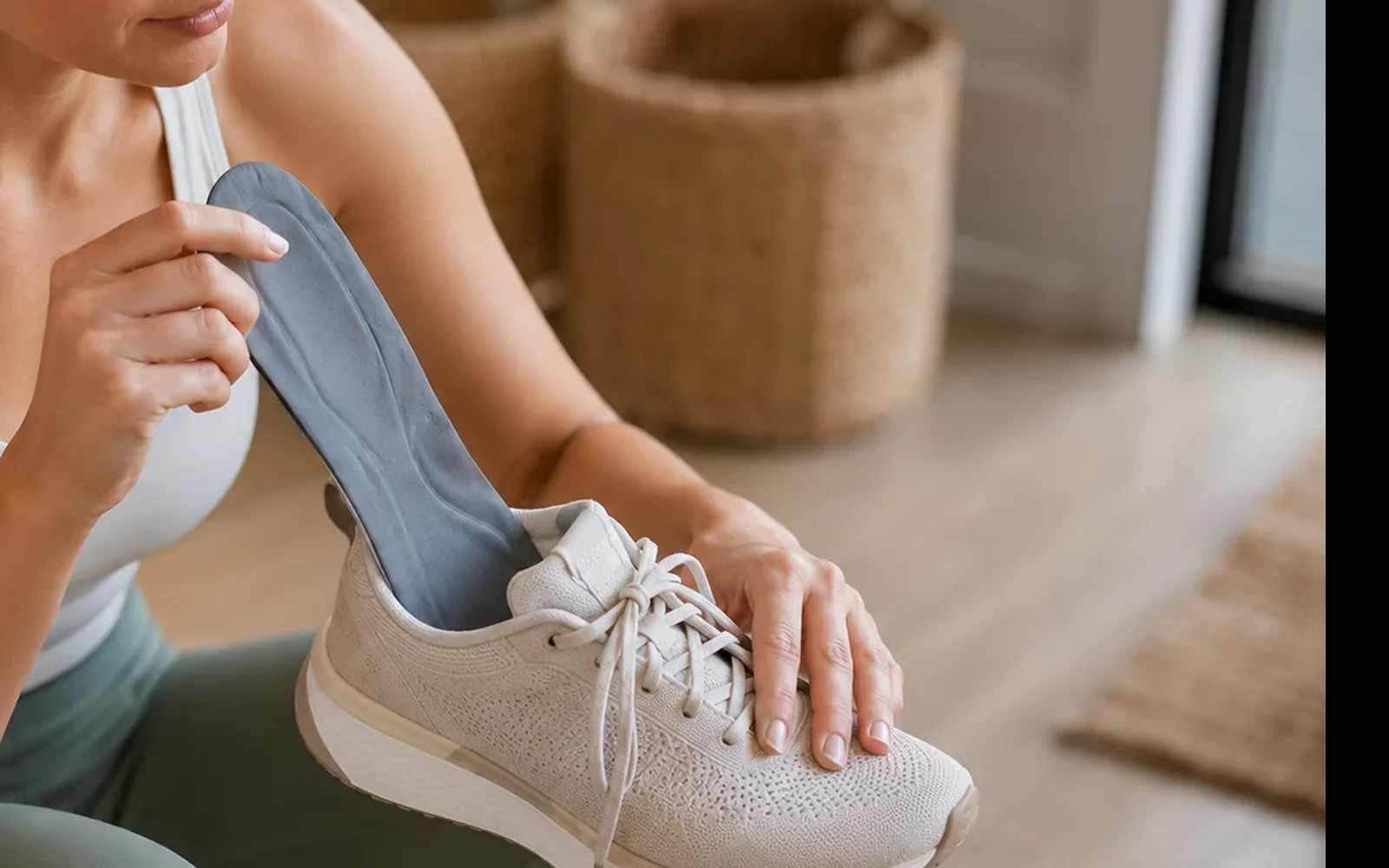
Adding an insole changes the fit inside the shoe. A thicker insert may reduce toe space or lift the heel, so check the complete combination rather than assuming more support is always better. For broader foot-posture questions, see our guide to flat feet, overpronation, and knee pain. Product selection belongs after the fit problem has been identified.
Use pain location as a description, not a verdict
Front-of-knee discomfort can accompany repeated activity and may also appear with stairs or after sitting. That overlap can help a clinician understand the pattern, but it does not establish that the pad caused patellofemoral pain. Inner, outer, and back-of-knee symptoms also have several possible explanations. A small belt does not create a diagnosis with a predictable location.
Notice whether the same symptom occurs during ordinary level walking away from the desk. If it does, the question has widened beyond workstation setup. Our guide to knee pain after long walks covers walking tolerance more broadly, while pain behind the kneecap explains a common front-knee pattern. These guides are context, not substitutes for an examination.
Likewise, soreness that appears after you stop may reflect the day's accumulated activity, prolonged sitting afterward, or another contributor. Do not repeatedly provoke the knee just to determine an exact minute of onset. A useful log captures naturally occurring symptoms and the effect of sensible adjustments.
A controlled return after the knee settles
First establish that ordinary daily movement is reasonably comfortable and there are no warning signs. Then change the most obvious mismatch, such as an unreachable keyboard or an overly long session. Use a short, easy walk without demanding computer work. If that is comfortable during and afterward, repeat before adding another challenge.
Next try the same easy walking dose during a simple work task. Keep shoes and speed consistent so that attention and desk position are the main differences. If symptoms return only with typing, revisit keyboard reach and task selection. If symptoms return regardless of task, reduce or pause pad use and consider an assessment instead of endlessly adjusting furniture.
| Trial | Keep steady | What the result tells you |
|---|---|---|
| Short walk without typing | Shoes, easy pace, flat belt | Whether basic pad walking is currently tolerated |
| Repeat with a simple task | Similar duration and pace | Whether desk use changes comfort or stride |
| Repeat on another ordinary day | No simultaneous exercise increase | Whether the pattern is reproducible |
| Review later and next morning | Record walking and stairs | Whether delayed symptoms change the plan |
Progress does not have to mean faster walking. A stable routine that fits between seated work periods may be the best outcome. Add only one variable when the current arrangement is consistently comfortable. There is no evidence-based percentage increase that can promise safety for every desk-walking user, and another person's all-day routine is not a suitable starting dose.
What a walking pad does not replace
Gentle desk walking can add movement, but it does not automatically provide the same intensity as brisk walking or a planned aerobic session. CDC guidance distinguishes activities by their effort, not by the device used. It also treats muscle-strengthening activity as a separate part of an overall routine. Do not count an easy typing pace as a complete exercise program solely because the step number is high.
If you want to build knee capacity, consider appropriate strengthening alongside manageable walking, rather than using longer pad sessions as the only progression. Our knee-strengthening guide explains the broader approach. Existing injury, recent surgery, balance problems, or medical exercise restrictions call for individual advice before unsupervised desk walking.
A sleeve or other comfort accessory cannot correct a belt fault, create more foot clearance, or make an unsuitable workload appropriate. If you use one, it should not cause pressure, numbness, slipping, or a false sense that you must finish the session. The important intervention may simply be a shorter work bout and a better-positioned keyboard.
When to Get Medical Help
Seek prompt care for a very swollen, locked, deformed, or unstable knee, inability to bear weight, significant injury, or a hot red knee with fever. Arrange an assessment if pain keeps returning, affects ordinary walking, or does not improve after reducing the aggravating activity. Do not continue walking-pad trials through these symptoms.
The practical takeaway
A successful desk-walking routine is one you can repeat comfortably while doing real work. Check the machine, set desk height from the belt surface, choose a natural pace, and keep the initial dose modest. Evaluate the entire workday and the next morning instead of judging success by whether you finished a call without stopping. If those changes do not produce a clear improvement, the next step is a broader knee assessment, not a larger step target.
Frequently Asked Questions
Can a walking pad cause knee pain?
It can contribute if it adds more walking than you tolerate or changes your posture and stride at a desk. The timing does not prove the machine is the only cause. Check total activity, desk reach, footwear, and whether ordinary walking also hurts.
Are walking pads bad for your knees?
They are not inherently bad for every knee, but low speed does not make unlimited use appropriate. Suitability depends on symptoms, balance, machine fit, and the amount of walking. Persistent pain deserves a broader assessment.
What speed should I use if my walking pad hurts my knees?
There is no universal knee-safe speed. Choose a setting that lets you remain centered and step naturally, and reduce duration as well. If no comfortable pace is available, stop using the pad until the problem is assessed.
How long should a beginner walk at a desk?
Start with a short familiarization bout and assess the later and next-morning response before adding time. A few minutes may be enough initially. There is no research-backed requirement to begin with an hour or reach a daily step target.
Can desk height affect my walking-pad posture?
Yes. The pad raises your feet, so a floor-standing desk setting may become too low. Adjust the keyboard near elbow level with relaxed shoulders, then set screen height separately.
Should I walk barefoot on a walking pad?
Follow the exact machine instructions and use a secure, comfortable footwear arrangement. Bare feet, socks, or loose slippers are not automatically appropriate just because the belt feels soft. Avoid anything that slips or catches.
Why do my knees hurt after walking but not during it?
A later reaction may reflect accumulated activity or another knee problem. Record symptoms after the session and the next morning, and reduce the total dose. Do not repeatedly walk to the painful point to test it.
Will insoles fix walking-pad knee pain?
An insole may help some people but can also make a shoe too tight or change heel hold. It cannot fix excessive walking time, poor desk reach, or a faulty belt. Assess those factors first.
When should I stop using the walking pad?
Stop if pain escalates, changes your gait, or comes with swelling, locking, giving way, or an equipment fault. Seek prompt care for inability to bear weight, significant injury, or a hot red knee with fever.